What is a meeting room video bar?
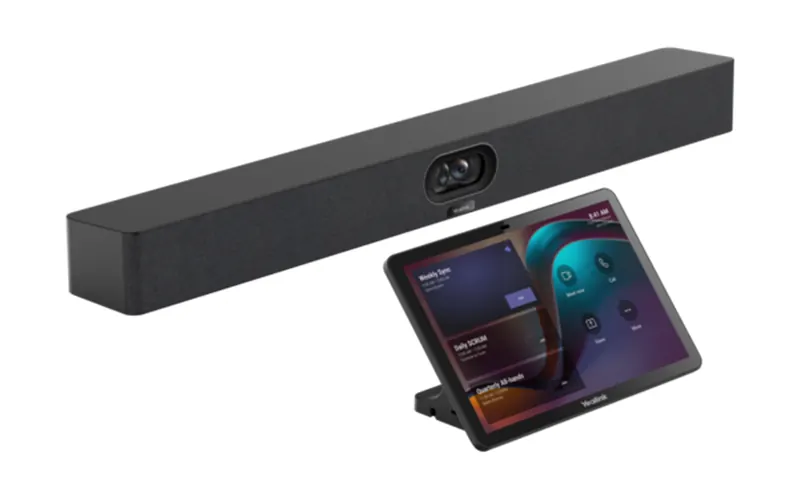
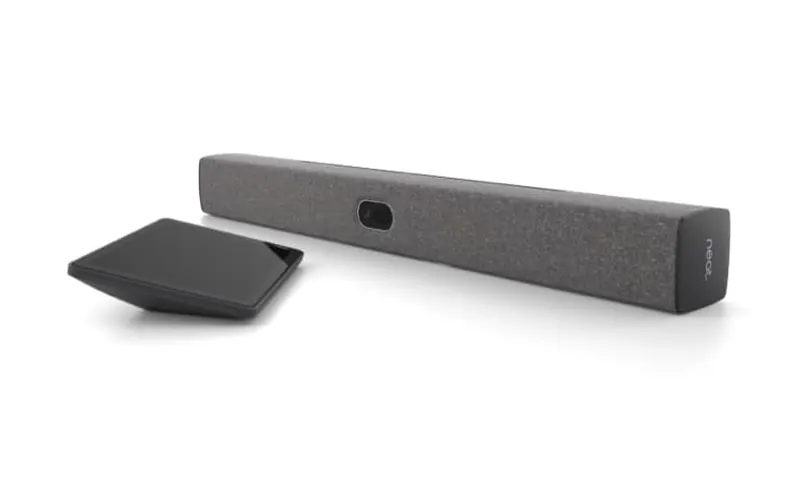
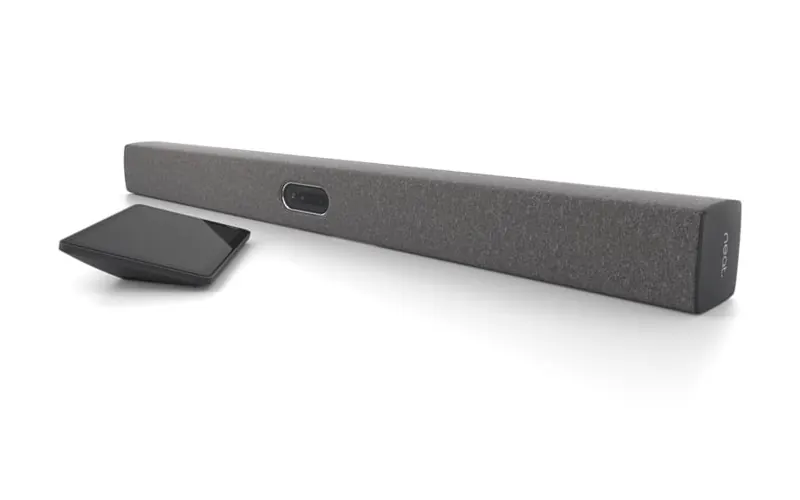
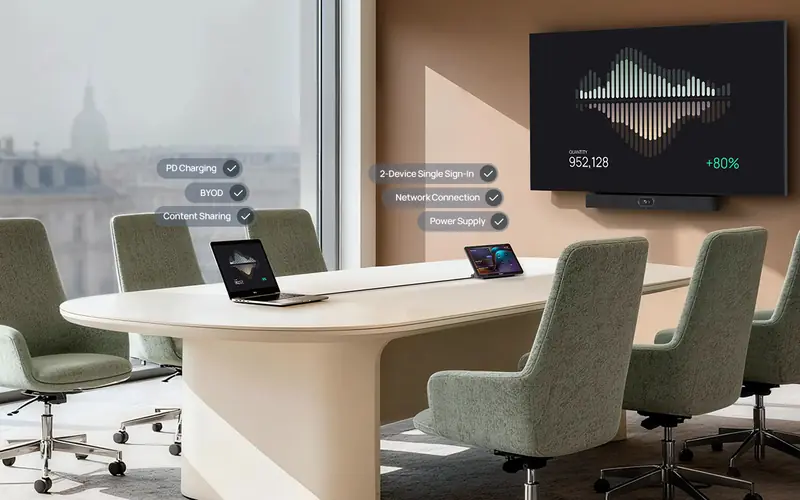
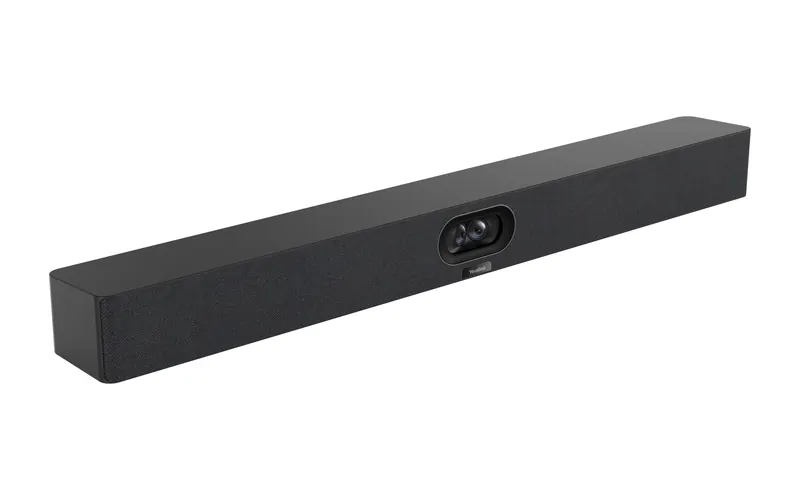
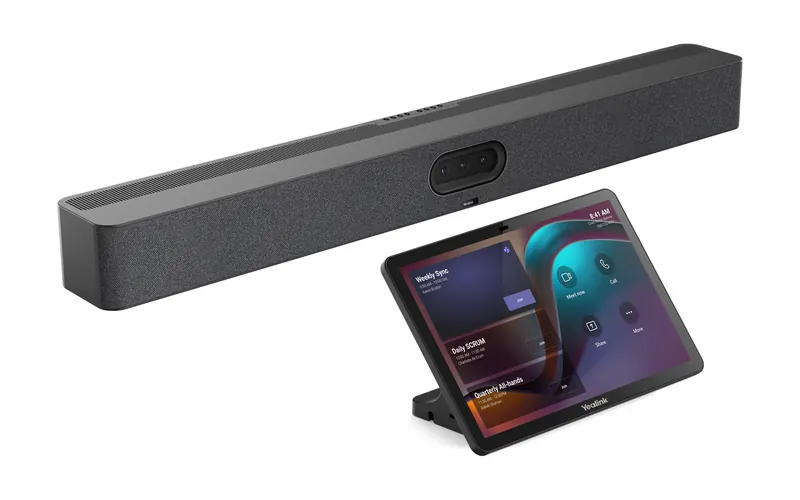
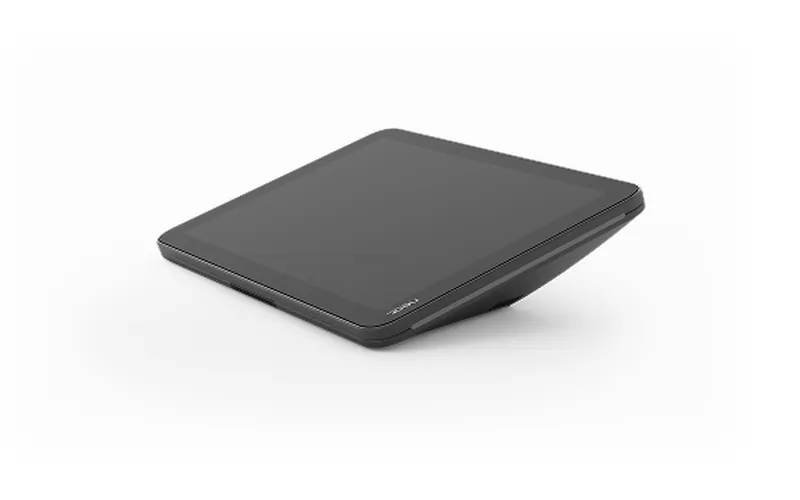
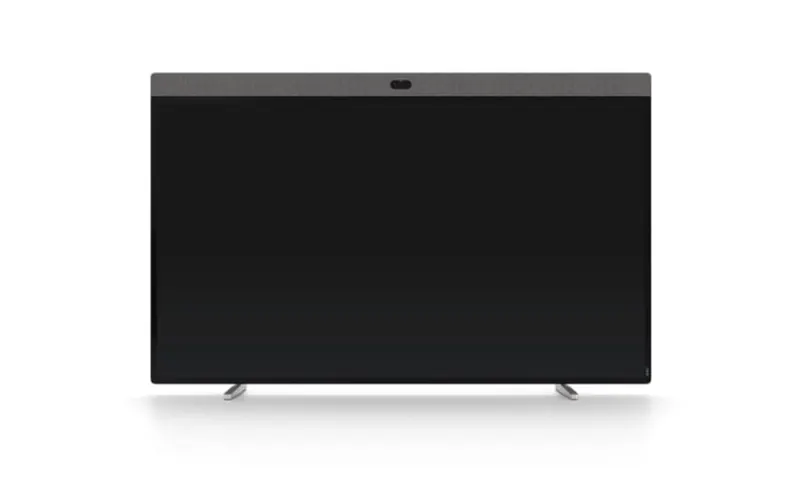
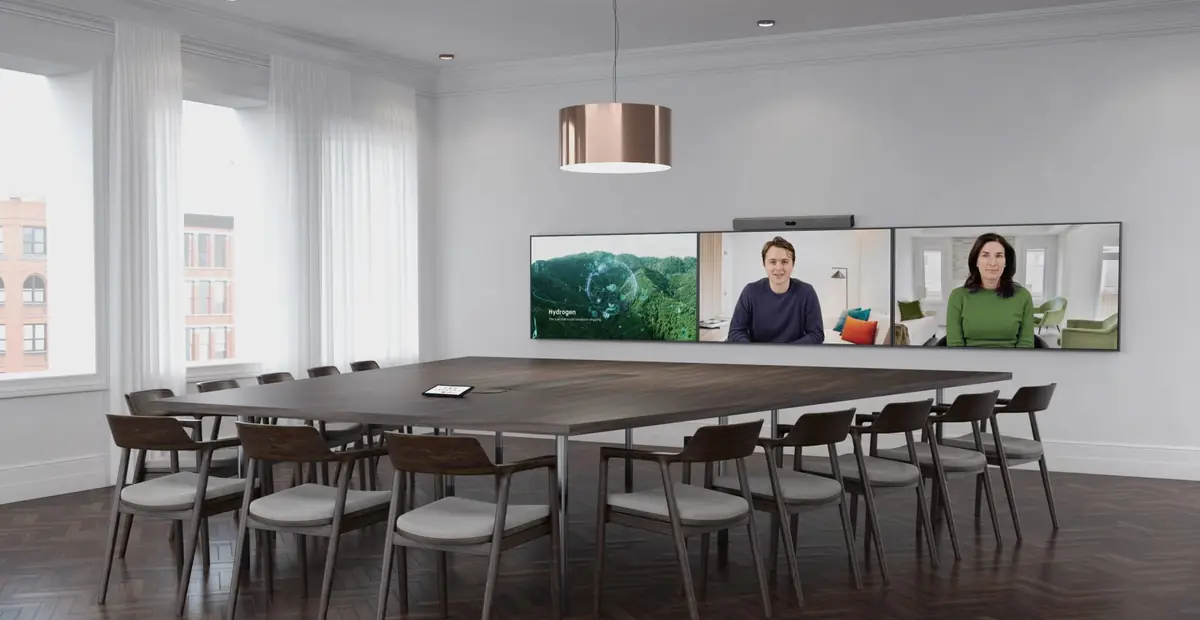
A video bar is one unit with the camera, microphones and speakers built in. It mounts above or below the room's display and is run from a small touch panel on the table. Most bars run Microsoft Teams, Google Meet or Zoom themselves, and can also act as a USB camera and speakerphone for a laptop.
Do you supply Yealink and Neat?
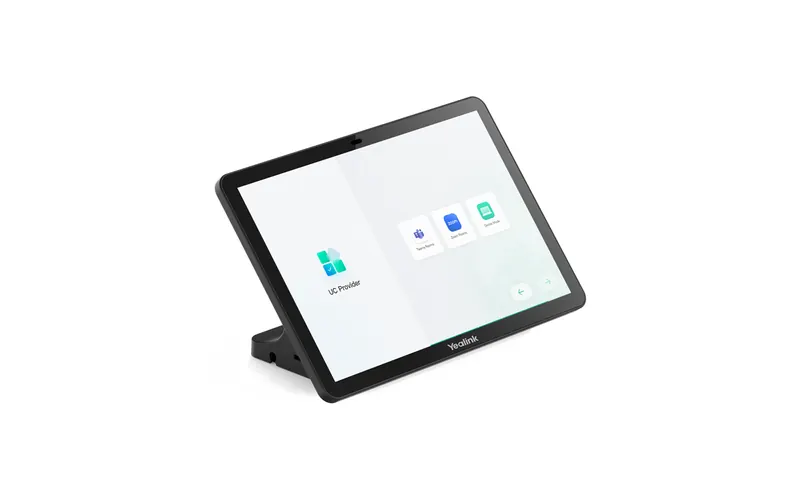
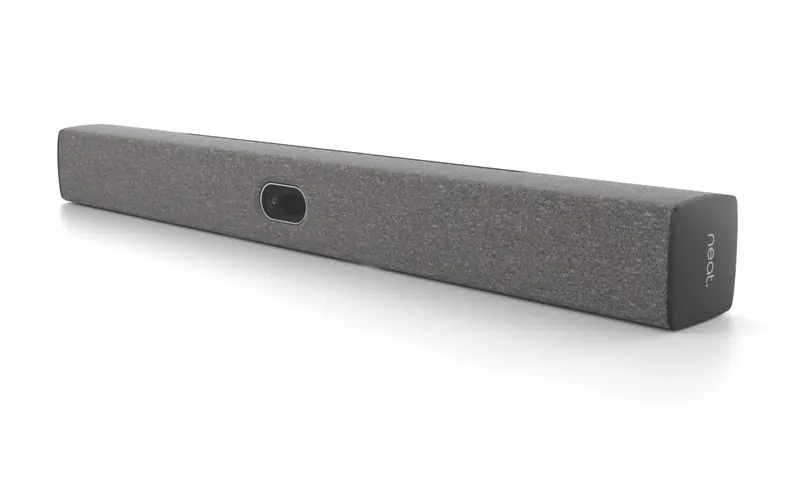
Yes. We supply Yealink MeetingBars and the CTP25 touch console, and Neat bars, Neat Pads and the Neat Board Pro. We pick the brand for each room by the platform it uses and the size of the room.
Which is better for Microsoft Teams, Yealink or Neat?
Both are certified for Microsoft Teams Rooms on Android. Yealink MeetingBars with the CTP25 console are a good fit for Teams rooms and for rooms where people plug in a laptop, and they usually cost less per room. Neat suits organisations on Google Meet, or ones that want the same hardware in their Teams and Meet rooms.
Do Yealink MeetingBars work with Google Meet?
Not as a Google Meet room. The Yealink MeetingBar A40 and A50 are certified for Microsoft Teams and Zoom, so a Meet call runs on a laptop plugged into the bar over USB-C, using the bar's camera, microphones and speaker. Since October 2026 Google also lets Teams Rooms on Android join Google Meet meetings. For a room that runs Meet itself, we use Neat.
Can one room take both Teams and Google Meet meetings?
Yes, in two ways. A laptop plugged in over USB-C can run either platform. Or the room runs one platform itself and joins the other's meetings: since October 2026 Google supports Meet rooms on Android joining Teams meetings, and Teams Rooms on Android joining Meet meetings. Some features do not work across the two, so we test it in your room before you rely on it.
Can a Neat bar switch between Teams and Google Meet?
A Neat bar runs one platform at a time. Changing platform means a factory reset of the bar and its Neat Pad and setting them up again, so it is not something to do between meetings. We set each room to the platform it uses most.
What is BYOD mode?
BYOD stands for bring your own device. The bar acts as the laptop's camera, microphones and speaker over one USB-C cable, and the meeting runs on the laptop in whatever app the person uses. Nothing signs in to the room and no room licence is needed. It suits coworking spaces and serviced offices, where tenants use different platforms.
What licence does a Microsoft Teams room need?
Each Teams room needs a Teams Rooms licence. Microsoft's Teams Rooms Basic is free for up to 25 rooms. Teams Rooms Pro is charged per room each month and adds more features and Microsoft's remote management. We set up the room account and licence in your Microsoft 365 tenant.
What licence does a Google Meet room need?
Every Google Meet hardware device needs a Google Meet hardware licence. It is bought per device for a year and renews separately from your Google Workspace subscription. If a Neat Pad outside the room is used for booking, the scheduling app may need a licence of its own.
Which bar suits which room size?
For small and medium rooms, where everyone sits within about 5 metres of the bar, we use the Yealink MeetingBar A40 or the Neat Bar 2. For boardrooms and deeper rooms we use the Yealink MeetingBar A50, which picks up voices to 10 metres, or the Neat Bar Pro, which reaches 10 metres. Long tables can take extra microphones.
Who installs the bars?
Our AV partner, David Leisk Electronics (DLE). DLE mounts the bar, the display and the touch panel and runs the cabling. We get the network ready beforehand, then do the setup, the room accounts and the testing.
Who is DLE?
David Leisk Electronics is an audio visual and IT integration company in northern Sydney, set up in 1956. It supplies, installs and repairs audio visual systems and the networks behind them. We work with DLE on networks and AV across Sydney.
What does the network need for a meeting room?
A wired port for each bar and touch panel, on a network of their own, with firewall rules that let them reach Microsoft or Google. Audio and video should be marked for priority across the switches. A Neat Pad needs a PoE port. We check and set this up before installation day.
Can people share their screen without a cable?
Yes. Yealink MeetingBars support Miracast, so Windows and Android devices can cast to the room display. In a Teams or Meet room, people can also join the meeting on their own laptop and share from there. We switch on the options that suit the room.
Can people book the room from a panel at the door?
Yes. A Neat Pad 2 beside the door shows whether the room is free and lets people book it. With Microsoft 365 it works from the room's Teams calendar. Google Meet has no booking panel of its own, so with Google Workspace the panel runs a scheduling app such as Appspace.
Can you add an interactive whiteboard?
Yes. The Neat Board Pro is a 65-inch 4K touchscreen with cameras and microphones built in, and a pen for drawing during a call. It goes on a wall mount or on a stand that can move between rooms.
Can you support the rooms after they are installed?
Yes. Firmware updates, room accounts, licences and fault finding are done remotely, and problems come to our helpdesk like any other IT issue. If a fault needs hands on the hardware, we arrange it with DLE.
How much does a meeting room cost?
Each room is quoted separately. The price depends on the bar, the touch panel, the display and mounts, the cabling and the platform licence. We quote once we have seen the room, or photos and a floor plan of it.
Where do you install meeting rooms?
DLE installs in Sydney. Setup, accounts and support are done remotely, so we can look after meeting rooms elsewhere in Australia. Ask us about installation outside Sydney.